Signing Up & Joining Beta
Joining the Queue
For the next few months, OneBrick is in a private beta state and onboarding is not available to all. However, signing up to be in the queue is!
We will be inviting users who are in the queue and have signed up for OneBrick Beta.
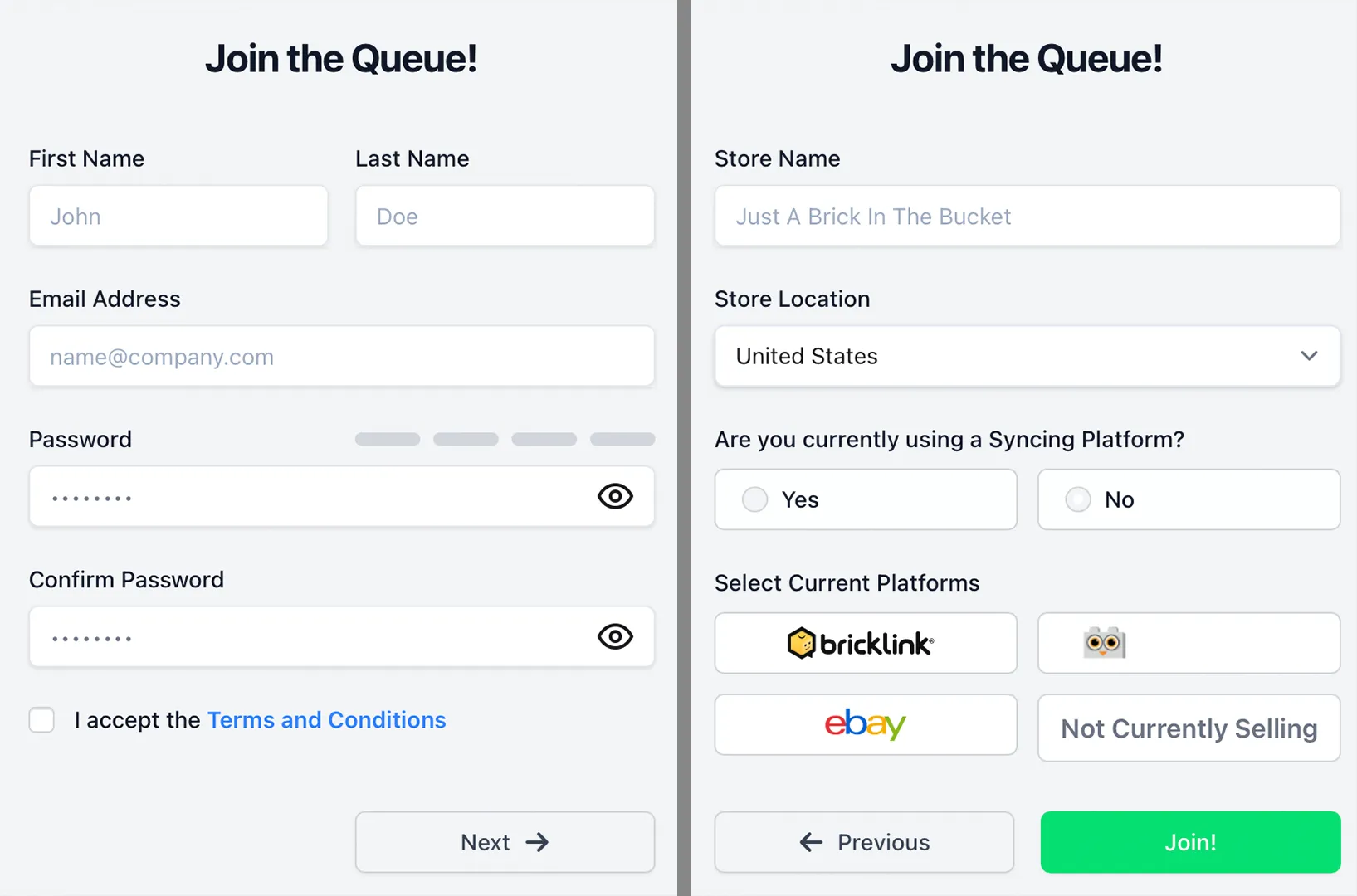
Joining the queue is simple! Just go to: https://onebrick.app/register/ and add your name, email, password, and read and accept the Terms and Conditions. On the following page, add your store name, country, and answer if you are currently syncing and what platforms you are selling on. Then click "Join!"
Signing Up for OneBrick Beta
Those who sign up for OneBrick Beta will be invited to onboard first during the private beta phase. Signing up for OneBrick Beta is as easy as three clicks!
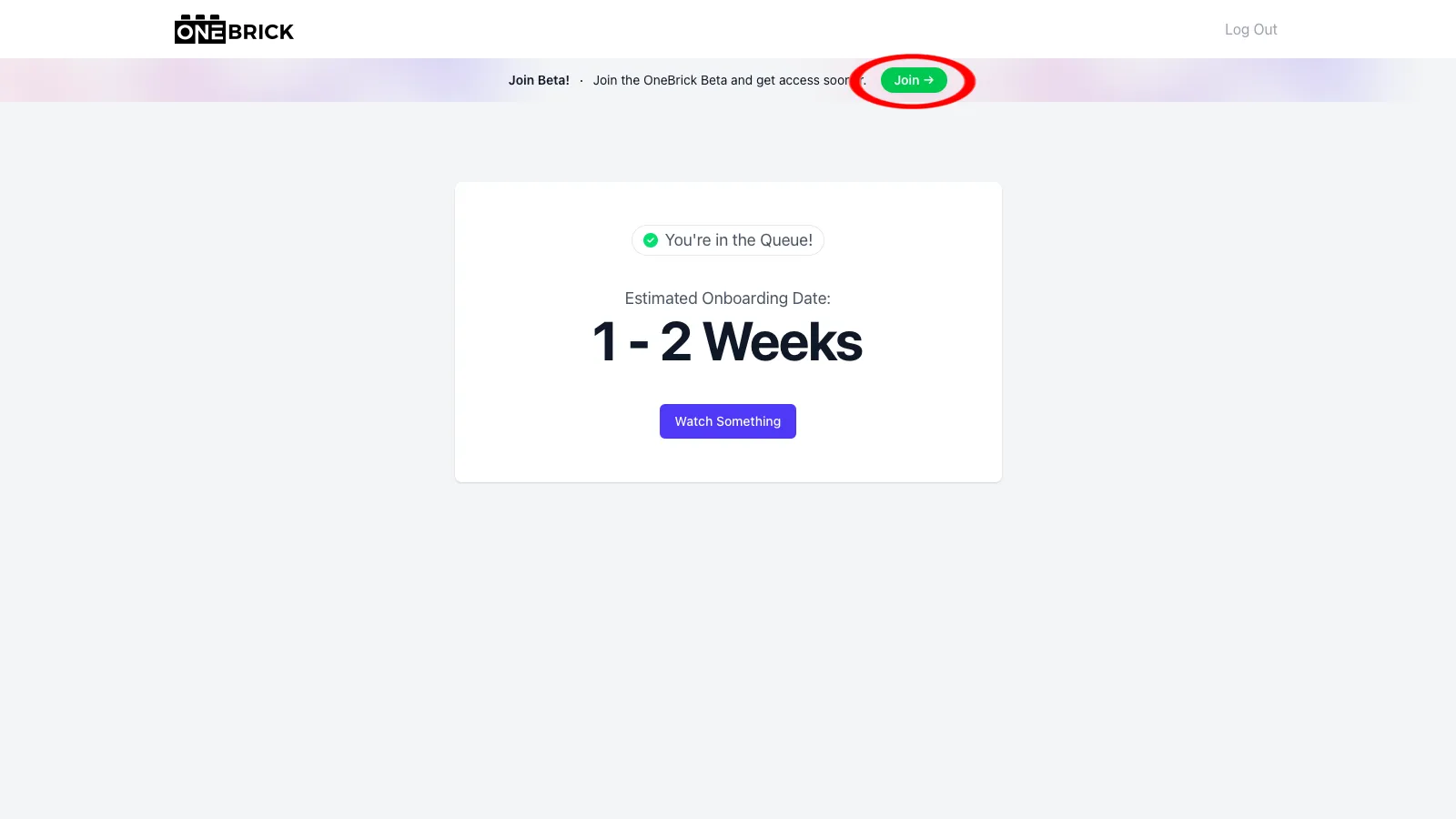
After Joining the Queue, log into your queue account at https://onebrick.app/. Then simply click the green "Join Beta" button in the top banner on your page.
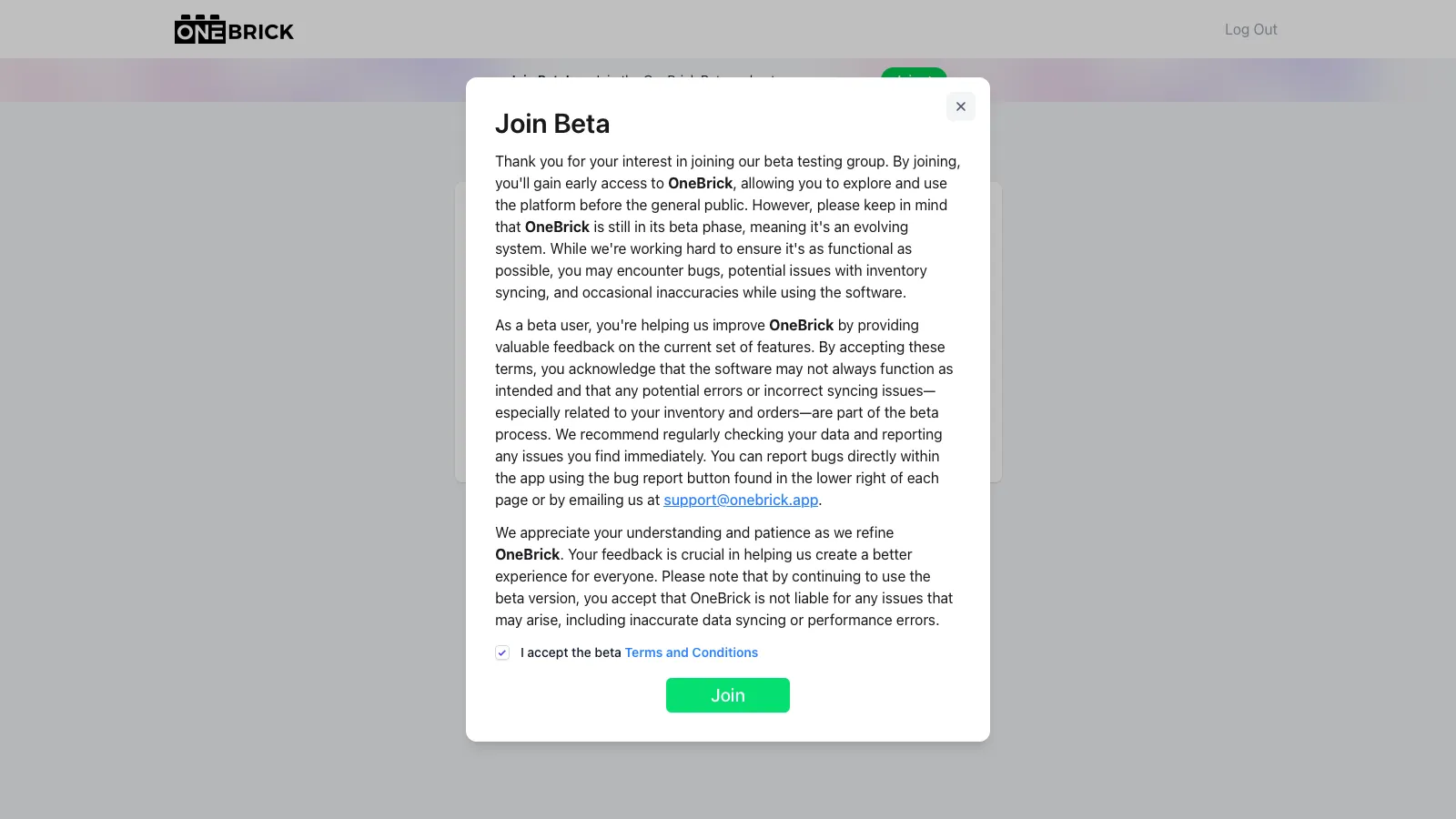
Read through the OneBrick Beta Terms and Conditions, accept, and then click "Join."
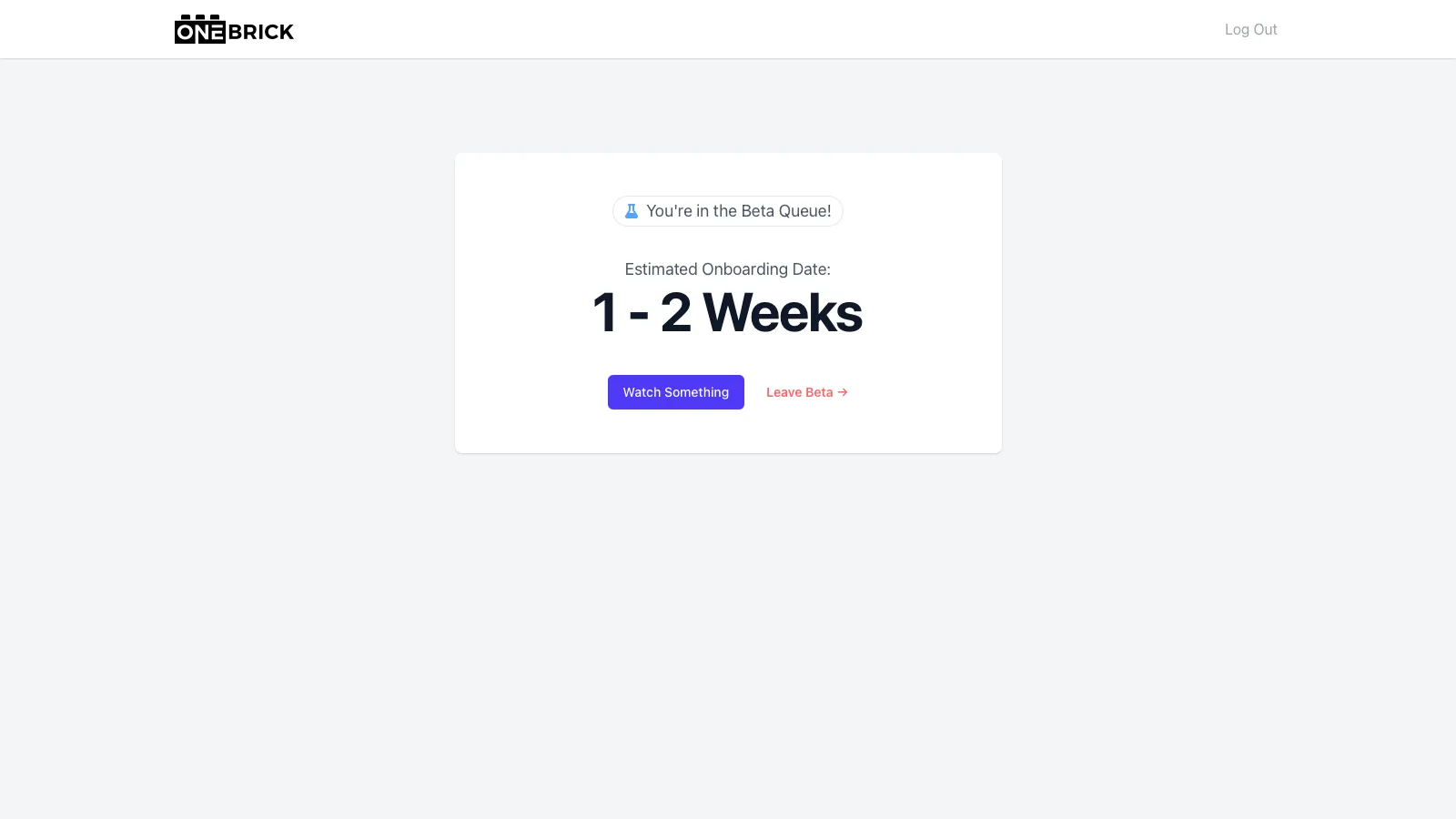
You're now signed up for the OneBrick closed Beta and can now be invited by our OneBrick Development team to onboard. You will see an Estimated Onboarding Date in your Queue Dashboard once it has been assigned to you. At the beginning, right after signing up, you will only see TBD at the Estimated Onboarding Date in your account. Check back often for a time estimate in your account.
Signing up for OneBrick Beta does not guarantee access to OneBrick prior to public release.
You can leave the beta queue at any time by clicking "Leave Beta." You will remain the the main queue but will not be invited to onboard early in the OneBrick Beta.